
1. Visit https://pos.whip.my/
2. There are two options to sign in. One is by using your username and passowrd, another is through SSO.
3. For security and verification purposes, please sign in using SSO.
4. Click on SSO
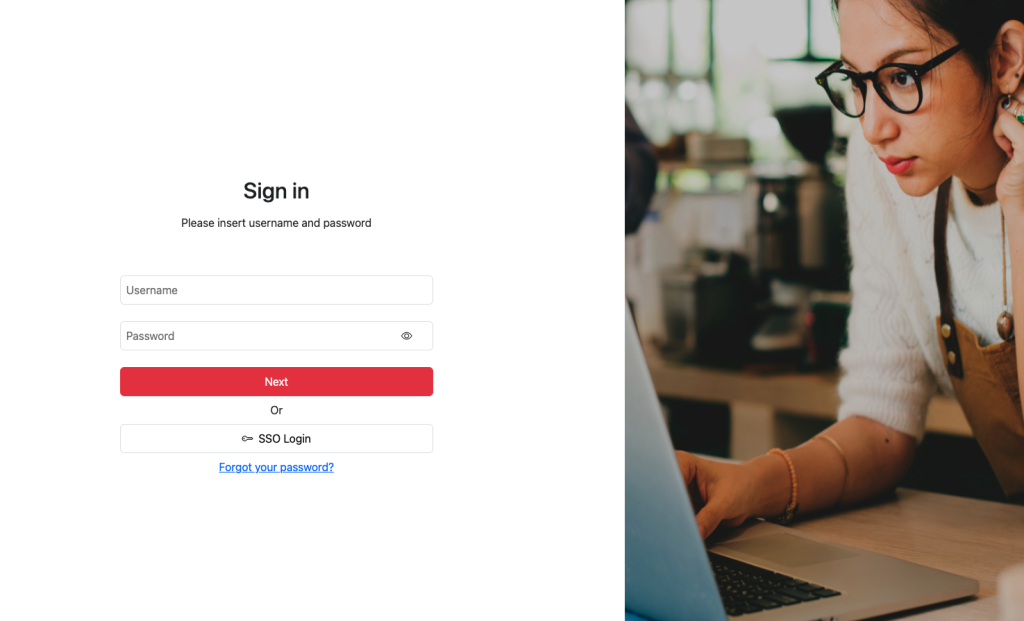
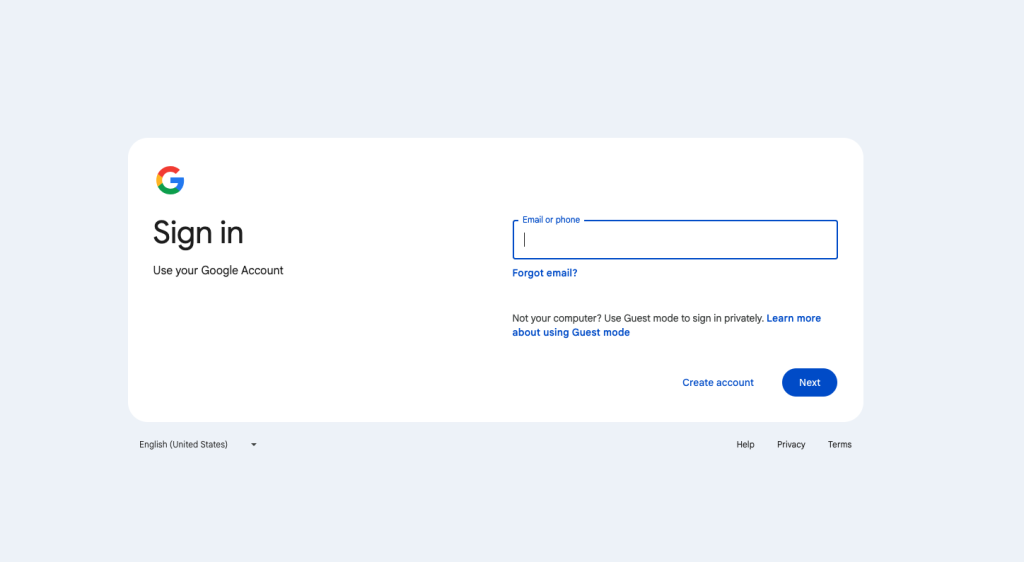
5. You will then be directed to a google sign in page. Insert your email and password and click next.
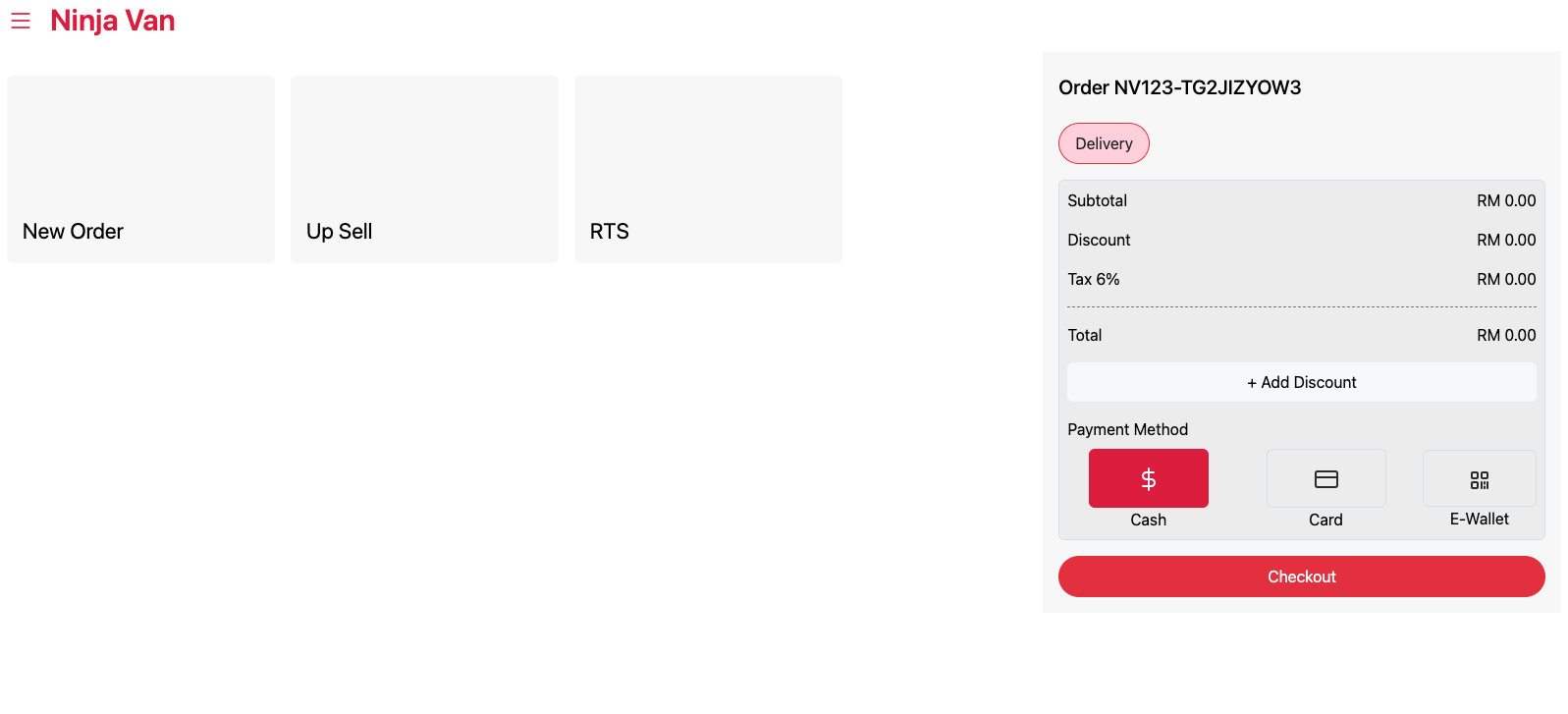
6. Once you have successfully log in, you will be directed to Whip Point of Sale landing page.
7. In the event that you are not able to sign in using your SSO, you may sign in using a dedicated username and password provided by Whip through email.